
How it works
Send us your website. We look. You get the report.
We work with UK businesses only.
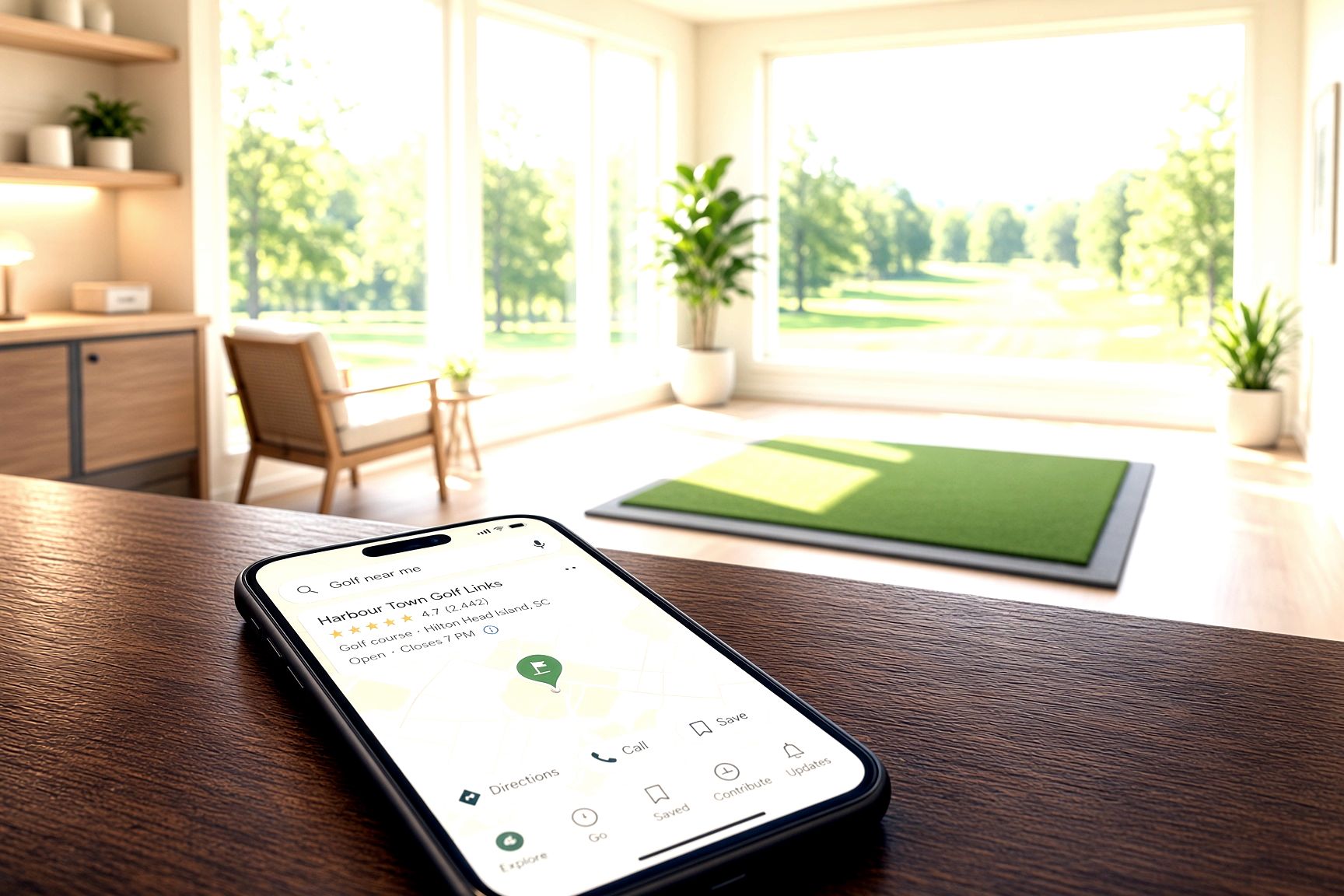
We look at what golfers already see on Google Maps. You get a report and a guide. You make the changes, or we do.
- 01
Send us your website
Your website is enough — we find the Google Maps page from that. Choose a service and send us your details. We start from there.
- 02
We look at what golfers already see
No login. Can they find you? Does it look open? Can they take the next step? We write down where they stop and go to the next name. We check public pages while signed out, on a phone and a computer, and compare the listing with your website. A recommendation for your website or an existing booking page is separate from a change to the listing.
- 03
You get a report and a guide
A priority summary, the findings, and a separate fix-it annex matched to those findings. It shows what is confirmed, what you need to confirm, and what is fine as it is. We aim to send the report within 5 working days, once we have a usable website or Maps link.
- 04
You make the changes, or we do
Done-for-you: we put the changes on, then we check after two weeks. Or get the report and make the changes yourself. No two-week check on that path. No review card.
Done-for-you includes a print-ready review card for this listing. The QR opens this listing’s official Google review form. It is designed to look like your business, not like us. You print it. We do not invent reviews. The report you do yourself does not include the card.
If we put the changes on, you add us as a helper on Google first. You stay in charge. The report does not wait for that.
Manager access
How you add us. How you remove us.
The menus are the ones in Google’s own help: three dots, Business Profile settings, People and access. The colours on the walkthrough are First Cut’s, so the words stay readable. The business on screen is an example. You stay in charge. First Cut is a helper, never Owner. We never ask for the password.
0:00 / 0:30
Sign in as the owner. Open your listing. The three dots sit next to the name.
- Sign in as the owner. Open your listing. The three dots sit next to the name.
- Business Profile settings. Not “add a new profile”.
- People and access. Not Advanced settings. Not Linked accounts.
- You are not sharing a password.
- Owner is not selected. Manager is. Can edit. Cannot remove you. Then Invite.
- You stay Primary owner. First Cut is Manager · Invited. We accept the email. Until then, nothing is shared.
- Open the First Cut row.
- Remove person. Two clicks. You stayed the owner. The page stayed yours.
The address on screen is hello@firstcutmaps.co.uk. We confirm that address by email before you send the invite.
- 05
What we can do with Book
If you already have a booking page, we connect the link Google allows on your listing. If you only take calls, Maps stays on Call. We cannot add a Book button Google does not offer, and we cannot invent a booking system. Why Maps says Call instead of Book.
What we record on the done-for-you job: a screenshot at the start, and another two weeks after we put the changes on. Calls, direction requests and reviews — whatever the performance page shows. For you. Not a public case study unless you agree.